

One speaker. Every language in the room.
TEXL Talk turns live speech into captions, translated text and spoken audio on each attendee's own phone. They scan a QR code and choose a language, with no app to install. Use it in our cloud, or have it deployed inside your own network.

Scan to follow in your language
k7m-p2x-9fd
Illustration: the organiser's console running a live session with attendees following in five languages, the QR code and join code shown to the audience, and an attendee's phone showing the talk in Arabic with spoken audio switched on.
Illustrative screens. Sessions, speakers and sentences are made up.
Live captions
Words appear on screen as they are spoken, with speakers told apart and your own terms spelled the way you spell them.
Live translation
Each attendee picks a language from more than fifty and reads the talk in it, sentence by sentence.
Spoken translation
Those who would rather listen hear the translation as speech, through their own phone and earphones.
Join by QR code
The audience scans a code or types a short join code. It opens in the browser, with nothing to download.
Start today on talk.texl.dev. For rooms with their own rules, we deploy it on your side and fit it to the room. How that works ->
From the microphone to every phone
One browser tab for the organiser, one link for the audience. Speech is captioned, translated and spoken while the speaker is still talking, and nobody installs anything.
Run a session from a browser
Name the session, choose the spoken language and a microphone, and press start. The console shows who is following, in which language, and how many are listening rather than reading.
- Several sessions at once, each with its own microphone and join code
- Switch microphone while the session is running
- Sign in with email, an email link, or the work account you already have
Illustrative screen. Sessions, speakers and sentences are made up.
The device is already in their pocket
Interpretation used to mean booths, receivers and a queue at the desk. With TEXL Talk the audience brings the equipment: a phone, a browser and, if they want to listen, their own earphones.
From seat to captions in one scan
There is nothing to download and, for a public session, nothing to sign up for. An attendee scans the code, picks a language and is reading along moments later.
Their language, their choice
The picker lists every language on offer, searchable, with the original at the top. Changing language takes one tap and does not interrupt anyone else.
Today we will look at how cities can cut their energy use by half.
Read it, hear it, or both
A speaker button turns the translation into audio. If a language has no voice yet, the attendee is told and can keep reading.
Late arrivals catch up
Someone who joins halfway receives what has been said so far in the session, then carries on live.
Holds on through weak Wi-Fi
If a phone drops off the network, the page reconnects by itself and shows that it is doing so.
Fitted to your room, deployed on your side
The public service covers most events. Some rooms ask for more: a boardroom with its own conference system, a network that little is allowed to leave, an event with a flow of its own. For those we deliver TEXL Talk as a tailored deployment, built around the room and the rules it has to follow.
Illustration of a tailored boardroom deployment: a delegate map listing each microphone with a name, language and group; a camera tile that has recognised two enrolled people; and a room display showing the same meeting side by side in English and Arabic, each line labelled with the speaker's name and microphone.
Illustrative screens from a tailored boardroom deployment. Names and sentences are made up.
Conference microphone systems
TEXL Talk learns which microphone is open from the room's conference system, so each caption carries the name of the person speaking.
Room displays
Screens around the table open a display page with no controls. An operator gives each screen one or more languages, shown side by side in large type.
Seating sheets
Upload the spreadsheet already kept for nameplates. Seat, name, language and delegation are read from it before the meeting starts.
One feed, every language
From a single room audio feed, each delegate is transcribed in their own language and every participant reads the whole meeting in theirs.
Two languages in one sentence
For rooms where a speaker starts in Arabic and finishes in English, a bilingual engine follows both without being told which is coming.
Recognised faces
Enrol the people expected in the room. A camera feed puts names to faces and lists who has been recognised beside the captions.
Rooms kept apart
Every room is its own space with its own operators. Signing in is confirmed by a PIN shown on that room's screens, so nobody runs the wrong room.
Stands and open days
A one-tap start for each visitor, an attract screen between conversations and an enquiry form on the visitor's phone when the session ends.
On talk.texl.dev today
Sign in, add credit and start a session. Everything on this list is in the public service now.
- Live captions in more than forty spoken languages
- Translation into more than fifty languages, chosen by each attendee
- Spoken translation on the attendee's own phone
- QR and join-code access, for public or private sessions
- Speakers told apart, and key terms for your vocabulary
- One hourly rate, charged by the minute
Built for tailored deployments
Work we have built for particular rooms and events. Each is scoped, configured and tested with the customer, and is not switched on in the public service.
- Installation on a server or room PC that you control
- Speaker names from a conference microphone system
- Room display pages and per-room operator sign-in
- Arabic and English followed within the same sentence
- Recognition of enrolled faces from a camera feed
- Session transcripts to download as text, Markdown or JSON
- Stand and open-day flows with an enquiry form
Captioning a meeting and recognising the people in it are governed by local law. Each deployment is scoped with the customer's own legal and data-protection requirements.
Our cloud this afternoon, or your network by design
The same product runs two ways. The public service needs nothing but a browser. A tailored deployment is installed on a machine you control, beside the room it serves, with a single connection to the outside that you have approved.
The public service
Sign in at talk.texl.dev, add credit and start. The organiser's browser sends the microphone audio, and the audience's phones receive captions, translation and speech. There is no hardware to ship and no software to roll out.
On your own network
A tailored deployment runs on a server or a room PC that you control. Captions travel to screens and devices on your network. The only connection out is to the AI speech endpoint you approve, which can be your organisation's own.
Audio is streamed, not recorded
Speech is sent to the speech engine as it happens and turned into text. TEXL Talk keeps no recording of it.
Captions last as long as the session
The public service holds a session's lines in memory so late joiners can catch up. It does not file transcripts away afterwards.
Private when it needs to be
Limit a session to named email addresses, and remove someone part-way through if you have to.
Nothing phones home from your site
An on-site installation makes no update checks, sends no usage data and loads no scripts or fonts from the internet.
A licence checked on the machine
An on-site licence is tied to the machine it runs on and verified there. No licence server is contacted.
A browser is all anyone needs
Organisers, attendees and room screens all use a web page. Nothing is installed on a phone or a display.
Connections recover on their own
If the link to the speech engine or to a phone drops, TEXL Talk reconnects and carries on without anyone restarting it.
Nothing lost on the way back
Every line is numbered. A device that reconnects receives the lines it missed and none twice.
Made for long programmes
Connections are renewed in the background before they can time out, so a full day is not cut off on the hour.
A warning before credit runs out
The console tells the organiser when about five minutes of credit remain, and again at one minute.
By the hour, not by the seat
One rate for a running session, whether ten people follow or the whole hall does.
Charged by the minute
A session is metered for each minute it runs, so a forty-minute talk costs forty minutes.
Stop the session, stop the meter
Stopping a session stops the charge. Start it again when the next speaker is ready.
Usage you can account for
Time and credit are listed for each session, beside every transaction on the account.
Wherever one person speaks and many need to follow
TEXL Talk is made for rooms where the audience does not share one language, and for anyone in them who would rather read than strain to hear.

Universities and lecture halls
International students read the lecture in their own language, and captions help anyone who is deaf or hard of hearing. Course terms and names are loaded in before class.
- Live captions
- Key terms
- Hourly pricing

Conferences and summits
One QR code on the opening slide replaces interpreter booths and rented receivers. Delegates follow each talk in the language they think in.
- Translation
- Spoken audio
- Join by QR

Boardrooms and delegations
Two sides, two languages, one table. Each line appears with the speaker's name on the room's screens, in a deployment that stays on the organisation's own network.
- Conference microphones
- Room displays
- On your network
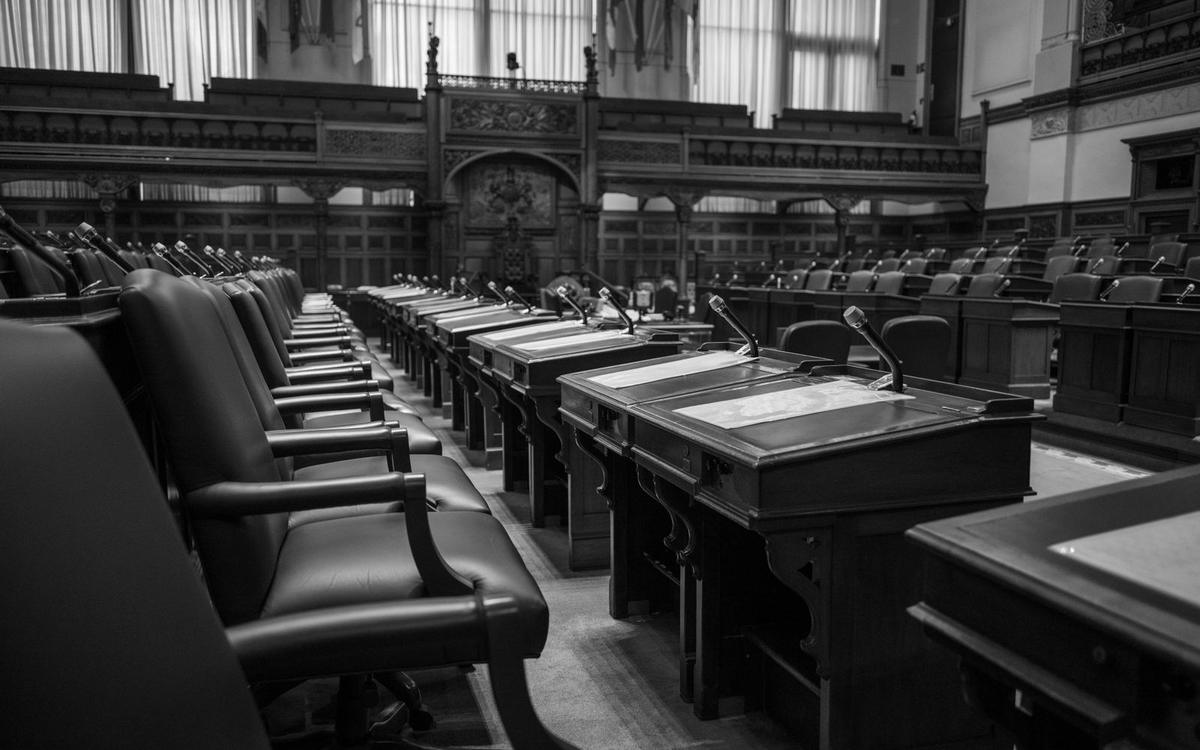
Councils and public meetings
Residents follow a hearing in the language they are most at home in, in the chamber or on their phone, with every speaker told apart.
- Accessibility
- Speakers told apart
- Public sessions

Venues and exhibitions
Offer translation in every hall without building it into the walls. Several sessions run side by side, each with its own microphone and code.
- Several sessions
- No hardware
- Stand mode

Town halls and hybrid events
The same link works in the auditorium, at a desk in another office or on a train. Remote staff read along with the room.
- One link
- Remote attendees
- Private sessions
Machine captions and translation support a live audience. They do not replace a certified interpreter where one is required.
Hear it in your own room
Give us a microphone and ten minutes. Speak, scan the code and watch your words arrive on your phone in another language. If your room needs more than the public service, bring your AV and IT teams and we will scope it together.